


Rescript vs Riverside
Rescript vs Riverside
These solve adjacent problems that are easy to confuse. Riverside is a remote recording studio first: it captures each guest locally in high quality, uploads the tracks, and gives you a text-based editor on top. Rescript records nothing — it's a free, open-source editor for a file you already have, doing all its work on your machine with no upload and no account. If your problem is getting a clean recording out of a remote interview, use Riverside. If it's cutting a recording you already made, Rescript does that for free and without an hours cap.
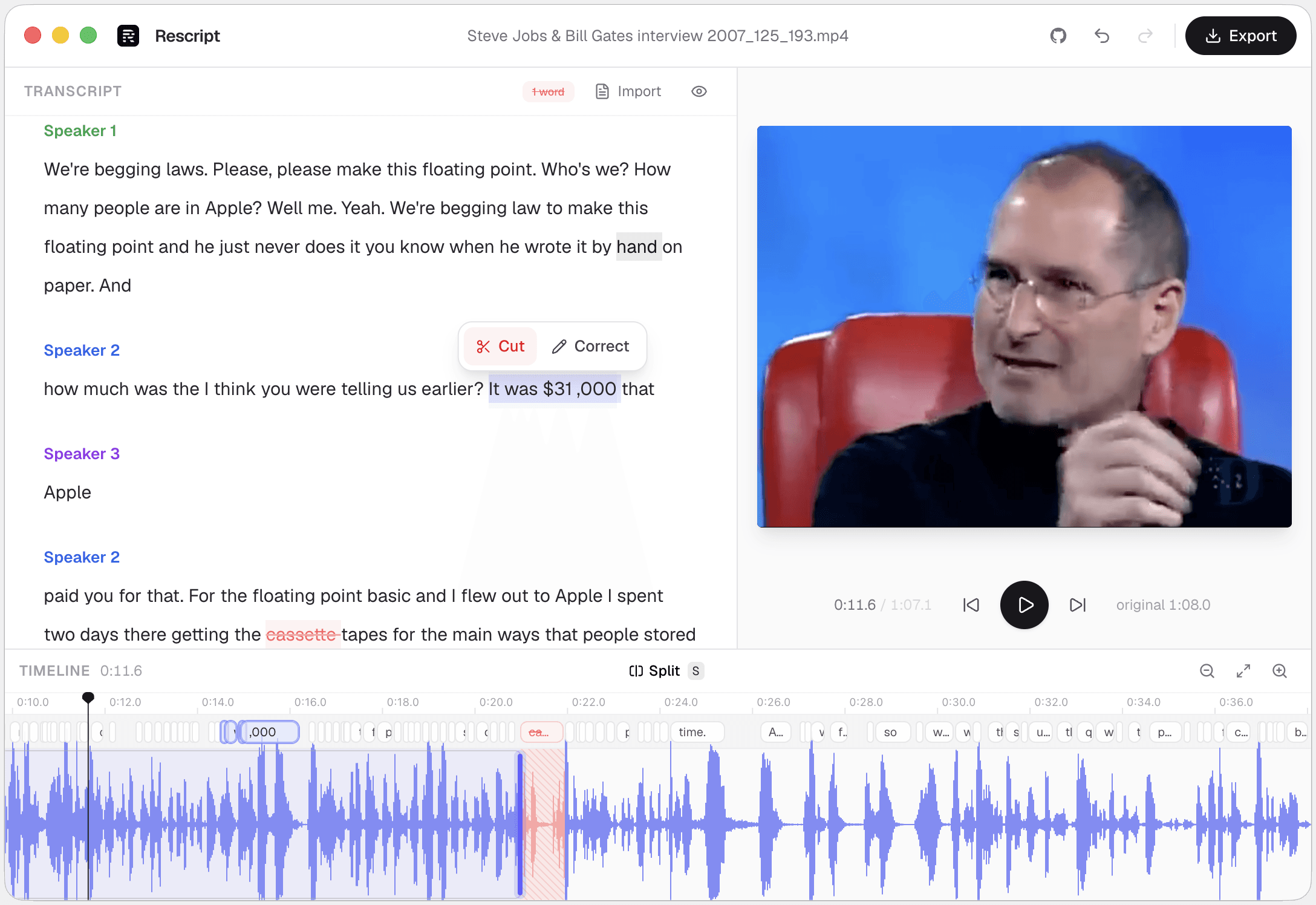
Side by side
Rescript compared with Riverside.
| Feature | Rescript | Riverside |
|---|---|---|
| Records video or audio | No — bring a file you already have | Its whole reason for existing — remote, multi-guest |
| Price | Free and open source for noncommercial use | Subscription; the free tier is capped |
| Where your media goes | Nowhere. It never leaves your device | Tracks upload to Riverside for syncing and processing |
| Account required | None — open it and start editing | Required |
| Watermark | Never | On the free tier |
| Usage limits | No minute caps, no export quota | Recording and transcription hours metered by plan |
| Works offline | Yes, once the model has downloaded a first time | Cloud service |
| Source code | Public on GitHub — auditable | Proprietary |
| Delete words to cut footage | Word-level, with a live preview of the cut | Yes, in the text-based editor |
| Filler word removal | One click across the whole file | Yes |
| Silence removal | One click, pauses of 0.3s and over | Yes |
| Speaker detection | Local diarization, speakers renameable | Separate track per guest |
| Rewrite a line and have it spoken | Yes — cloned from that speaker's own audio, on-device | No voice regeneration |
| Team collaboration | No — projects are local to your machine | Shared workspaces and review |
| Burned-in captions | Exports SRT/VTT to burn in elsewhere; no styled overlay yet | Animated captions and AI-generated clips |
 Rescript
 Riverside
Details about other products come from their own public pricing and documentation pages and change often — check theirs before you decide. Corrections are welcome as a GitHub issue.
Recording versus editing
Riverside's core trick is recording each participant locally at full quality and uploading those tracks, so a dropped call doesn't ruin the audio. That's a genuinely hard problem and Rescript doesn't attempt it — it starts one step later, when you have a file on disk.
From there the two overlap: both cut by deleting words, strip fillers, and remove dead air. Rescript's version runs entirely on your machine, so there's no upload step, no upload wait, and no hours meter.
Using both together
A common setup: record in Riverside for the local-track quality, download the file, then cut it in Rescript. That keeps you off the higher editing tiers and keeps the raw footage on your own disk while you work.
Rescript can also reuse the transcript Riverside already generated — export it as SRT or VTT, drop it in with the media, and transcription is skipped entirely.
Which one
They're good at different jobs.
Choose Riverside if…
- You interview remote guests and need each recorded in local quality, not compressed over the call.
- You want recording, editing, clipping, and publishing in one subscription.
- You livestream while recording.
- Your team reviews and clips episodes together.
Choose Rescript if…
- The recording already exists — you just need to cut it.
- The material is sensitive and shouldn't be uploaded anywhere.
- You've hit the hours cap and don't want a higher tier for editing alone.
- You want to fix a stumbled line without re-recording the guest.
FAQ
Questions people actually ask
Can Rescript record a remote interview?
No. Rescript has no recording of any kind — no screen capture, no camera, no remote guests. It edits files you already have.
Can I edit Riverside recordings in Rescript?
Yes. Download the file from Riverside and open it in Rescript. If you also export the transcript as SRT or VTT, Rescript will use it instead of running Whisper again.
Does Rescript handle separate tracks per speaker?
Not as separate tracks — it edits a single mixed file. It does detect and label speakers within that file through local diarization, and you can rename them.
Keep comparing

Rescript vs Descript
The original transcript-based editor — and a full cloud studio.

Rescript vs VEED
Browser video editor with subtitles and AI tools.

Rescript vs Kapwing
Collaborative online editor with text-based trimming.

Rescript vs Premiere Pro
Adobe's NLE, with Text-Based Editing built in.

Rescript vs CapCut
ByteDance's free general-purpose editor.

Rescript vs Podcastle
Cloud podcast studio with AI voices and Magic Dust.

Rescript vs Recut
One-time-purchase desktop app for cutting silences.

Rescript vs TimeBolt
Automatic cutting of silence and filler words.

Rescript vs Cleanvoice
AI post-processing service for podcast audio.
Try it before you renew Riverside.
Free, open source, and running on your own machine in under a minute. No account, and nothing to cancel later.
Or open the web app